Weighing wireless charging vs wired charging for your phone? Wired is faster, cooler and wastes less power; wireless wins on convenience. Choose by how you charge: overnight on a desk, or in a hurry.
This guide is part of our consumer electronics guide, which covers phones, chargers and accessories.
| Item | Value |
|---|---|
| Qi wireless speed cap before Qi2 | 7.5 W |
| Qi2 wireless speed cap | 15 W |
| Energy lost in an iFixit MagSafe test | Up to 59% |
| Extra power if the wireless charger stays plugged in | Up to 36% more |
| Wired 45W charge, Galaxy S22 or later, 0 to around 50% | About 20 minutes |
| Qi-certified wireless charge, same result | Over 30 minutes |
These figures come from SlashGear and Android Central. Charging standards and test results change, so check the sources before you rely on them.
How each method moves power
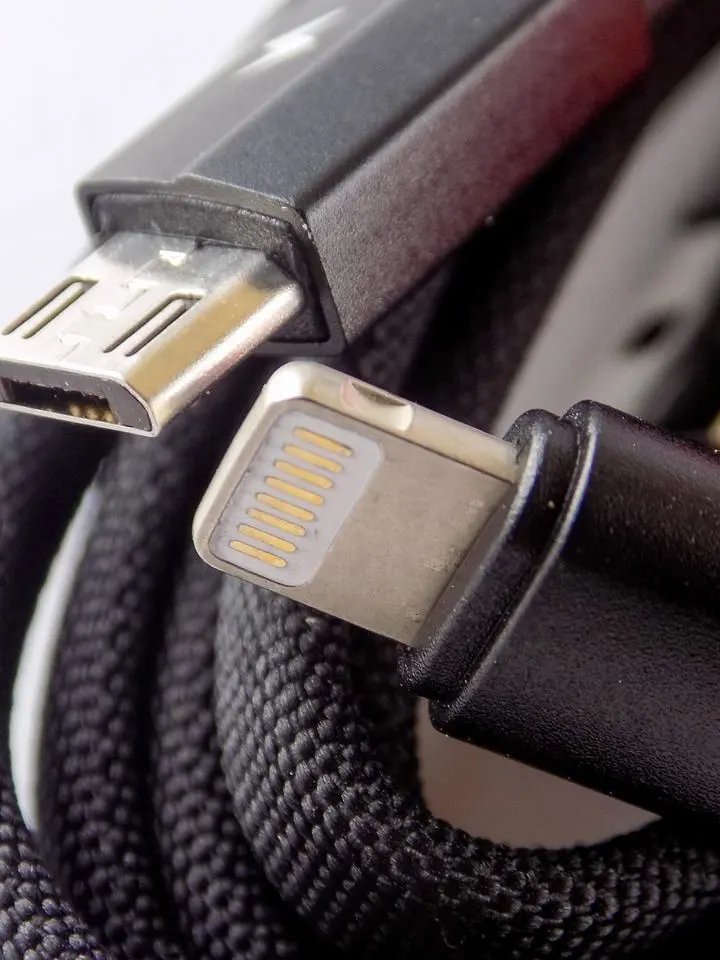
Wired charging sends current through a cable straight into your phone. Wireless charging relies on electromagnetic induction: a coil in the charger makes a magnetic field and a coil in the phone turns it back into current. According to Wikipedia’s entry on the Qi standard, this can work over distances up to 4 cm.
The extra steps are where energy goes missing. SlashGear’s June 2025 explainer describes the chain:
- The charger converts AC from the mains to DC.
- It then changes that DC back to AC to generate the magnetic field, losing more energy.
- Your phone’s coil picks up the field, and some energy is lost as heat on the way.
- The phone converts the incoming AC back to DC to fill the battery.
Which is faster?
Wired charging wins on speed. SlashGear reports that a Samsung Galaxy S22 or later goes from 0 to around 50% in about 20 minutes with a 45W charging brick. With a Qi-certified wireless charger you would most likely spend over 30 minutes for the same result.
Wireless is catching up. Android Central’s August 2024 report says the Qi2 standard raised the maximum wireless speed from 7.5W to 15W.
The Qi 2.2 specification, released in April 2025, supports up to 25 watts, according to Wikipedia. The same page says version 2.2.1, released in July 2025, adds Qi2 25 W branding for that mode.
Heat, efficiency and battery wear
Heat is where the gap shows most. SlashGear’s June 2025 piece cites iFixit tests that found up to 59% energy loss and a 24.4% increase in energy consumption when charging a 12.7Wh iPhone 15 battery with a MagSafe charger.
Habits make it worse. The same SlashGear article says you may use up to 36% more power if you leave the wireless charger plugged into the wall, because it keeps probing for a device. If the coils are misaligned or the case gets in the way, it says you might use as much as 100% more power.
Heat also affects the phone. SlashGear notes that some smartphones may stop charging completely until they cool, and it links sustained heat between the coils to extra battery degradation.
Android Central’s April 2022 analysis adds some perspective. It says even the most inefficient phone charging method wastes a lot less electricity than keeping a microwave oven, television or cable box plugged in all the time.
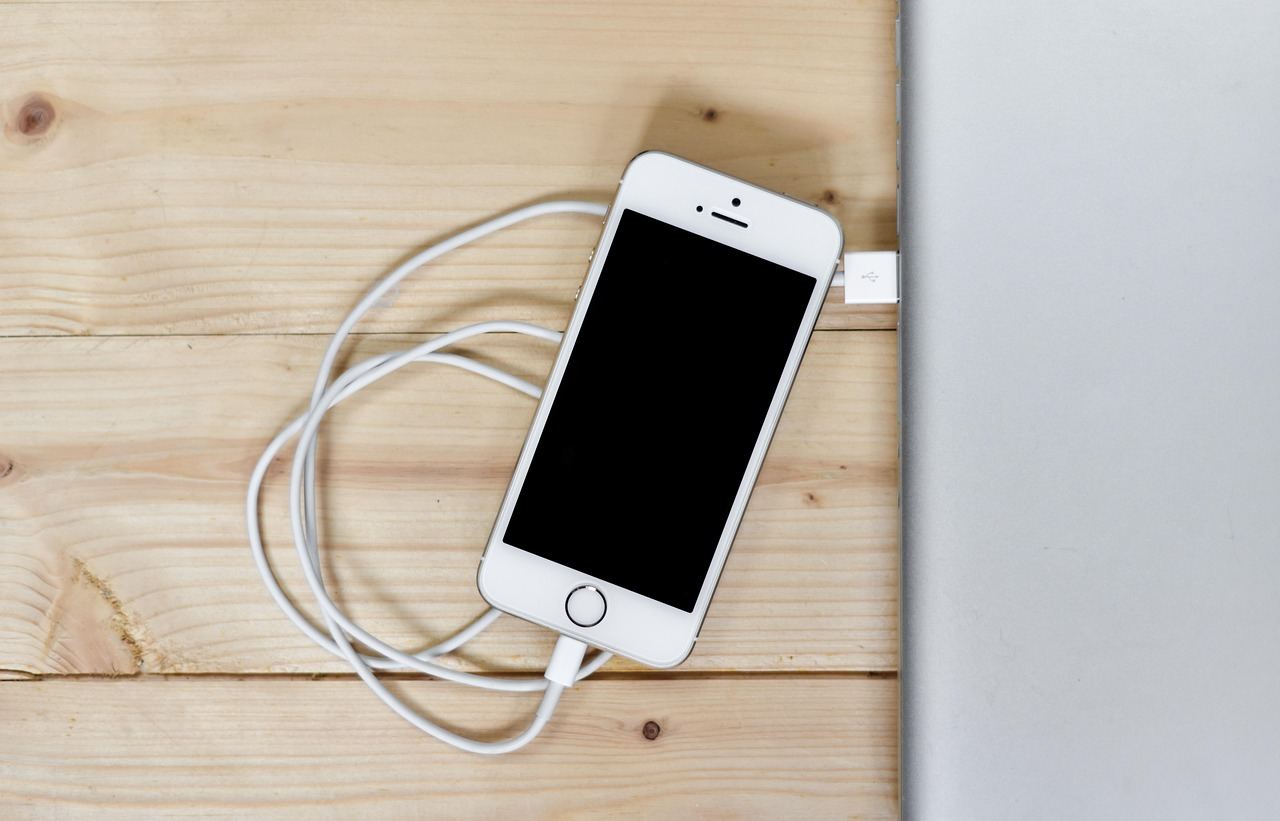
The same piece says the most efficient way to charge is also the slowest: a simple USB-A 5-volt 1-amp charger with a short, stout cable. It adds that fast charging is getting a lot more efficient, so modern wired charging does not have to be wasteful.
Does Qi2 change the picture?
Partly. Qi2 adds the Magnetic Power Profile, a magnet ring based on Apple’s MagSafe. In its January 2023 announcement, the Wireless Power Consortium said the profile keeps devices aligned with the charger for better efficiency and faster charging, as TechCrunch reported.
The same report cautions that Qi2 will not ensure the quality of the magnets in chargers or phones. A weak magnet can still mean a loose fit.
On labelling, Android Central’s August 2024 update relays the consortium’s statement that every device branded Qi2 must include magnets. Devices without them cannot use the Qi2 name.
How to choose for your routine
Match the method to the moment, not to a single winner.
- Overnight or at a desk: wireless is fine, because speed matters little and you just set the phone down.
- A quick top-up before leaving: use a cable and a high-wattage charger.
- In the car: SlashGear says a car charging pad uses even more power than a home pad, so a cable is the leaner option.
- Earbuds and watches: TechCrunch noted in January 2023 that magnetic designs could charge different kinds of headphones or smartwatches.
If you are away from a socket, a battery pack is the simpler route, and our guide on how to choose a power bank shows what to compare. If earbuds are part of your setup, read how to choose bluetooth headphones before you pick a charging-case style.
Whichever you pick, keep the phone cool, keep the coils aligned and unplug an idle wireless pad.
Frequently asked questions
Does wireless charging damage my battery?
Show answer
Heat is the concern. SlashGear links the sustained heat between the charging coils to extra battery degradation, so good alignment and a cool spot help.
Do I need magnets for Qi2?
Show answer
Yes, if you want the Qi2 label. As Android Central’s August 2024 update relays, every Qi2-branded device must include magnets.
Should I unplug a wireless charger when I am not using it?
Show answer
It is a good habit. SlashGear says an idle pad left in the wall may use up to 36% more power, while a wired charger would simply shut off.
Is wired charging always the more efficient choice?
Show answer
Usually, but not always. Android Central’s April 2022 analysis says the slowest wired method is the most efficient, while fast charging is getting a lot more efficient.