Shopping for phone add-ons can feel endless, and you don’t want to waste money. This mobile accessories guide sorts the main categories (charging, audio, wearables, trackers and camera gear) and shows what to check first: charging standards.
| Key fact | Value |
|---|---|
| Qi2 standard released by the Wireless Power Consortium | April 19, 2023 |
| Wireless power of the original Qi2 spec | 15W |
| Extra power of Qi2 25W over the 15W spec | Almost 70% more |
| Qi2 25W officially unveiled | 23 July 2025 |
| Devices that finished Qi2 25W certification testing in the first week | Fourteen devices |
| Products using the Qi standard, per the WPC in April 2023 | Nearly 9000 products |
Figures come from the Wireless Power Consortium announcement and a GSMArena report. Standards and product counts change, so check the source before you rely on them.
What do mobile accessories include?
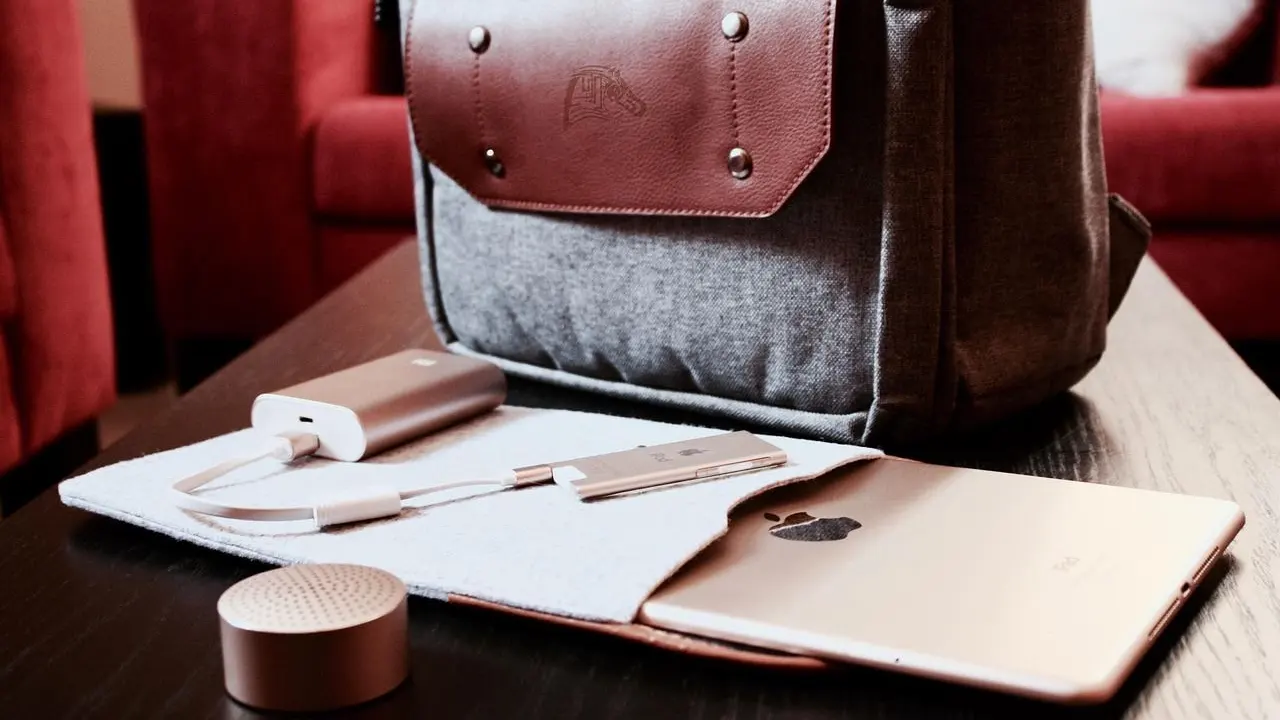
A mobile accessory is anything you add to a phone to charge it, protect it, hear it, track it or shoot better photos with it. The category is wide, which is why buying advice often turns into a pile of brand names. A better approach is to sort by the job the product does.
Most add-ons fall into a handful of groups:
- Charging gear: wireless pads, magnetic chargers, power banks and wall chargers.
- Audio: earbuds and other wireless listening devices.
- Wearables: smartwatches, fitness trackers and smart rings.
- Finders: small Bluetooth trackers for keys and bags.
- Camera support: tripods and gimbals for steadier photos and video.
Some of these only work well with certain phones, so compatibility is the first thing to confirm. Everything else, from price to design, comes second.

Charging: where standards matter most
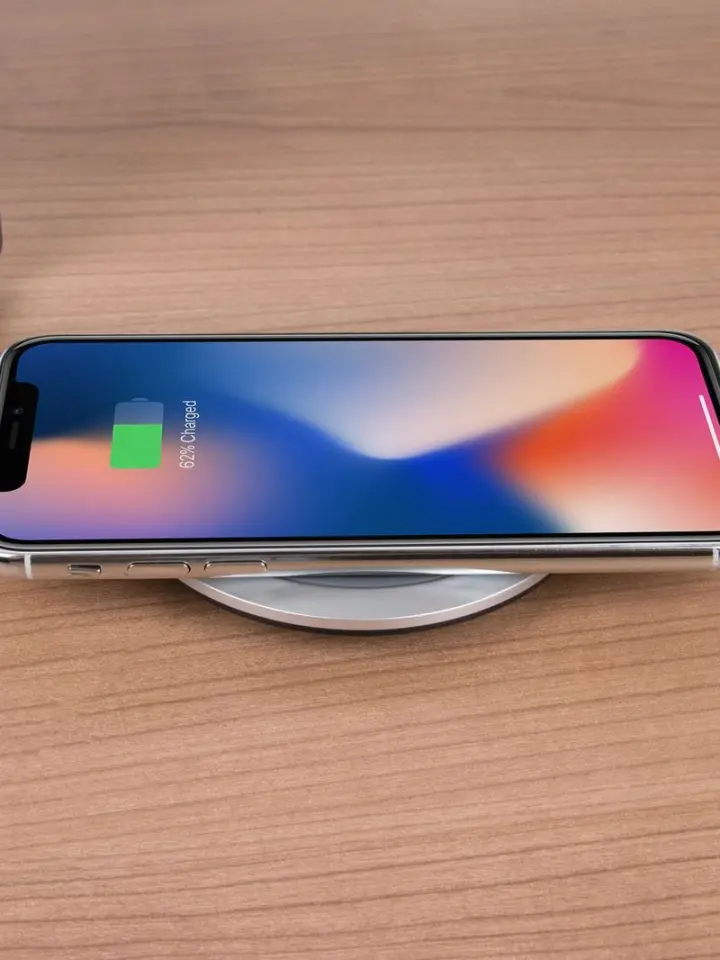
Charging is the category with the clearest rulebook, so start here. The Wireless Power Consortium (WPC) released the Qi2 standard after its board approved the Qi v. 2.0 Interface Specification, as announced on April 19, 2023. The WPC said the standard aims to unify the industry under one global standard.
Qi2 brings magnetic alignment to wireless charging. According to iDownloadBlog’s July 2025 report, Apple, a WPC member, contributed MagSafe to the Qi2 specification, and Qi2 brings MagSafe-like features such as magnetic alignment and a secure connection between phone and charger. The WPC argues that this alignment improves efficiency by reducing energy lost when phone and charger are not lined up.
If you want the basics of the magnet-based approach, read what is a magsafe charger before you buy a pad or stand. Wall adapters are a separate question, and what is a gan charger covers that side.
Qi2 25W and speed
The WPC unveiled Qi2 25W on 23 July 2025, according to GSMArena. Compared with the earlier 15W spec, it delivers almost 70% more power. GSMArena also reported that fourteen devices had completed certification testing the week before, with several hundred more waiting in the queue.
Faster wireless charging only helps if both sides support it. As of iDownloadBlog’s July 2025 report, current iPhone 16 models used MagSafe at 25W when paired with Apple’s official 30W charger. The same report said older devices that cannot get Qi2 25W through a firmware update will still charge on Qi2 25W chargers, only at the slower 15W speed.
How to avoid fake or confusing labels
Not every product that mentions Qi2 behaves the same way. GSMArena has carried a warning that some Qi2 devices don’t have magnets and that this can be hard to tell. The WPC also says you can search its certified products database to be sure a product has been tested to Qi certification standards.
- Look up the exact model in the WPC database before you buy.
- Check the listing for built-in magnets, or confirm that a magnetic case is required.
- Match the charger’s rated speed to what your phone can accept.
Audio, wearables and trackers
These products are small, personal and usually tied to one phone’s software. That makes the questions you ask a little different from those for chargers. Think about what you will actually wear or carry every day.
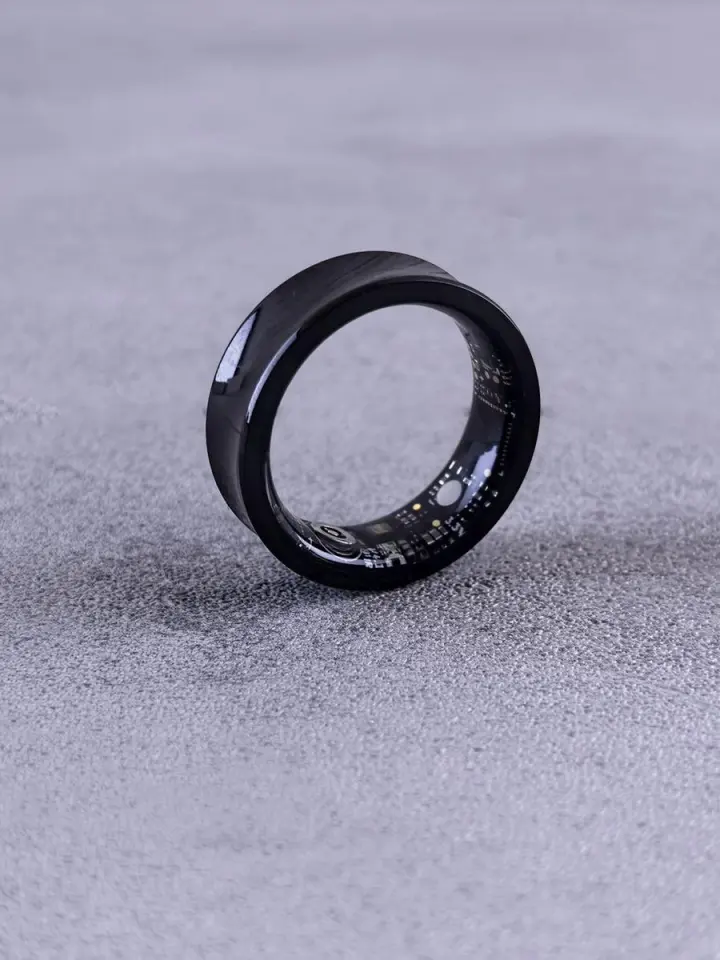
For listening, how do true wireless earbuds work explains what sits inside each bud and how the pair stays connected. If you are choosing something to wear on your wrist, smartwatch vs fitness tracker compares the two most common options. A ring is the more discreet route, and what is a smart ring sets out what it does and does not do.
For things you lose often, how do bluetooth trackers work shows how a small tag helps you find keys or a bag. A tracker that works well with one phone brand may be limited on another, so check the platform first.
Questions to ask before buying any wearable
- Does it work with your phone’s operating system?
- How often will you charge it, and with what kind of charger?
- Does it need an app or a subscription to unlock its features?
- Will you really wear or carry it daily?
Camera and creator gear
Phone cameras are strong, but handheld shots still shake. Support gear is often the best-value upgrade for video and low-light photos. It also does not depend on which phone you own as much as charging products do.
A tripod holds the phone still for group photos, time-lapses and calls. how to choose a phone tripod walks through the features worth comparing. A gimbal does the opposite job by keeping the phone smooth while you move, and how to use a phone gimbal covers the setup.
Many tripods and stands now come with magnetic mounts. That ties back to the earlier point about magnets: confirm that your phone, or its case, actually has them.
How should you decide what to buy?
Start with the product that solves a daily annoyance, not the one with the longest feature list. A phone that runs out of battery by mid-afternoon needs a better charging setup before it needs a new pair of earbuds. Write down the one problem you want fixed and shop for that.
Then work through a short checklist:
- Confirm compatibility with your exact phone model.
- Look for an independent certification where one exists, such as the WPC database for Qi products.
- Check the date on any speed or feature claim, because standards keep moving.
- Read what is included in the box, including cables and wall adapters.
Wider context helps too. The consumer electronics guide sets accessories beside the devices they support. The consumer electronics industry overview explains how the market around them fits together.
The market is large. The WPC said in April 2023 that about one billion wireless charging devices, transmitters and receivers, would be sold worldwide that year. Its more than 300 member organizations support the Qi standard, which it said was used in nearly 9000 products at the time.
Frequently asked questions
What is Qi2?
Show answer
Qi2 is the wireless charging standard that the Wireless Power Consortium released in April 2023. It adds magnetic alignment to wireless charging, and Apple contributed MagSafe to the specification, as reported in July 2025.
Is Qi2 25W faster than the original Qi2?
Show answer
Yes. As of GSMArena’s 23 July 2025 report, Qi2 25W delivers almost 70% more power than the 15W spec. Your phone and your charger both have to support it to get that speed.
Will an older charger work with Qi2 25W devices?
Show answer
Per iDownloadBlog’s July 2025 report, Qi2 25W is backward compatible. Devices that cannot be upgraded by firmware still charge on Qi2 25W chargers, only at the slower 15W speed.
How can you check that a charger is certified?
Show answer
The Wireless Power Consortium says you can search for the product in its certified products database. Do this before you buy, using the exact model name.
Which accessory should you buy first?
Show answer
Buy the one that fixes your most frequent daily annoyance. For many people that is charging, because compatibility rules there are the clearest and the mistakes are the easiest to avoid.